The teleprompter app for creators
Look into the lens.
Read every word.
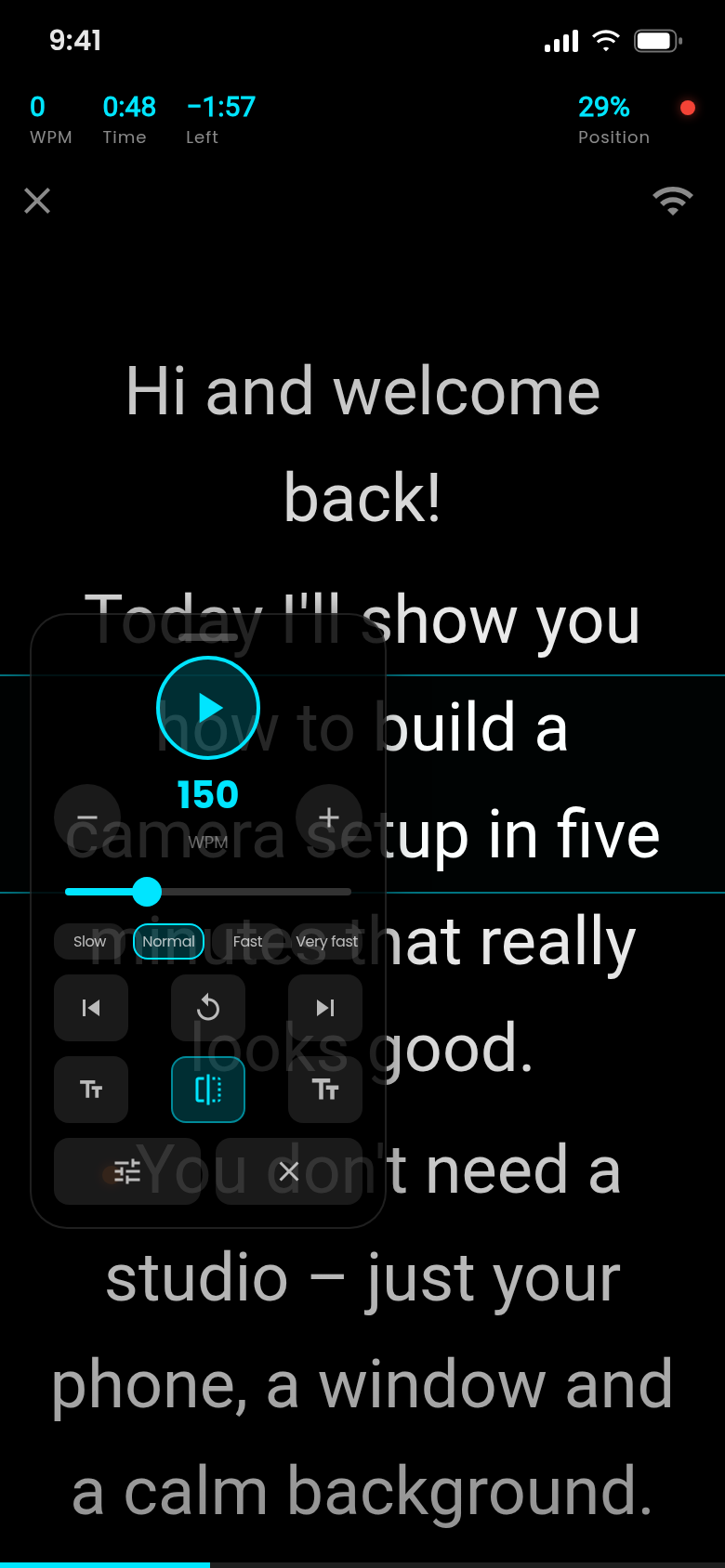
Reading notes off a second screen shows in every take. Teleprompter 4K scrolls your script smoothly at your pace, right next to the camera, so you sound free and look at your audience.

- Free to start
- No ads
- No account, scripts stay on your phone
Coming soon to Google Play and the App Store.
Recording
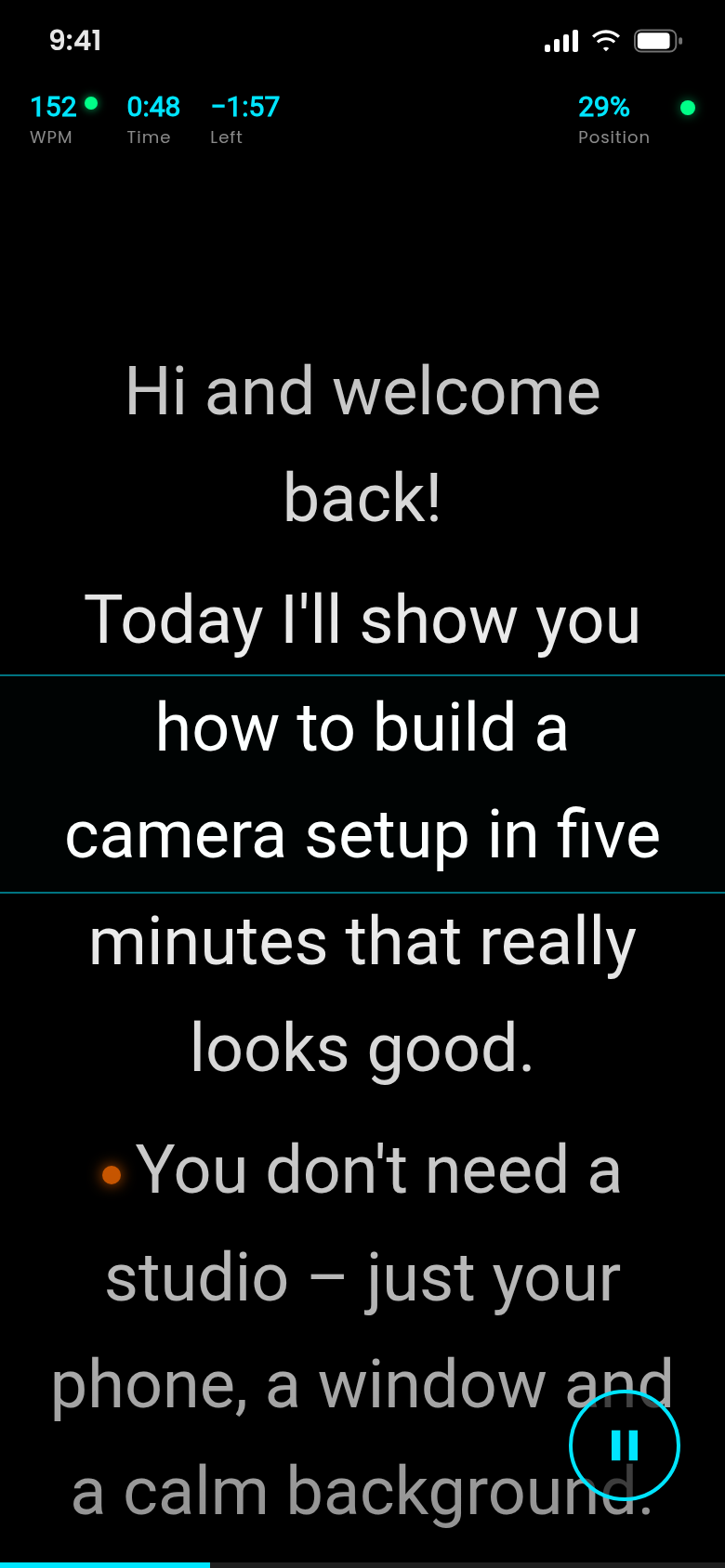
Record while your script scrolls.
Film with the front or rear camera. Your text runs on top of the camera image, close to the lens, and the video lands in your gallery.
Free clips up to 60 seconds. Pro records without a time limit.
Control
Your pace. Not the app's.
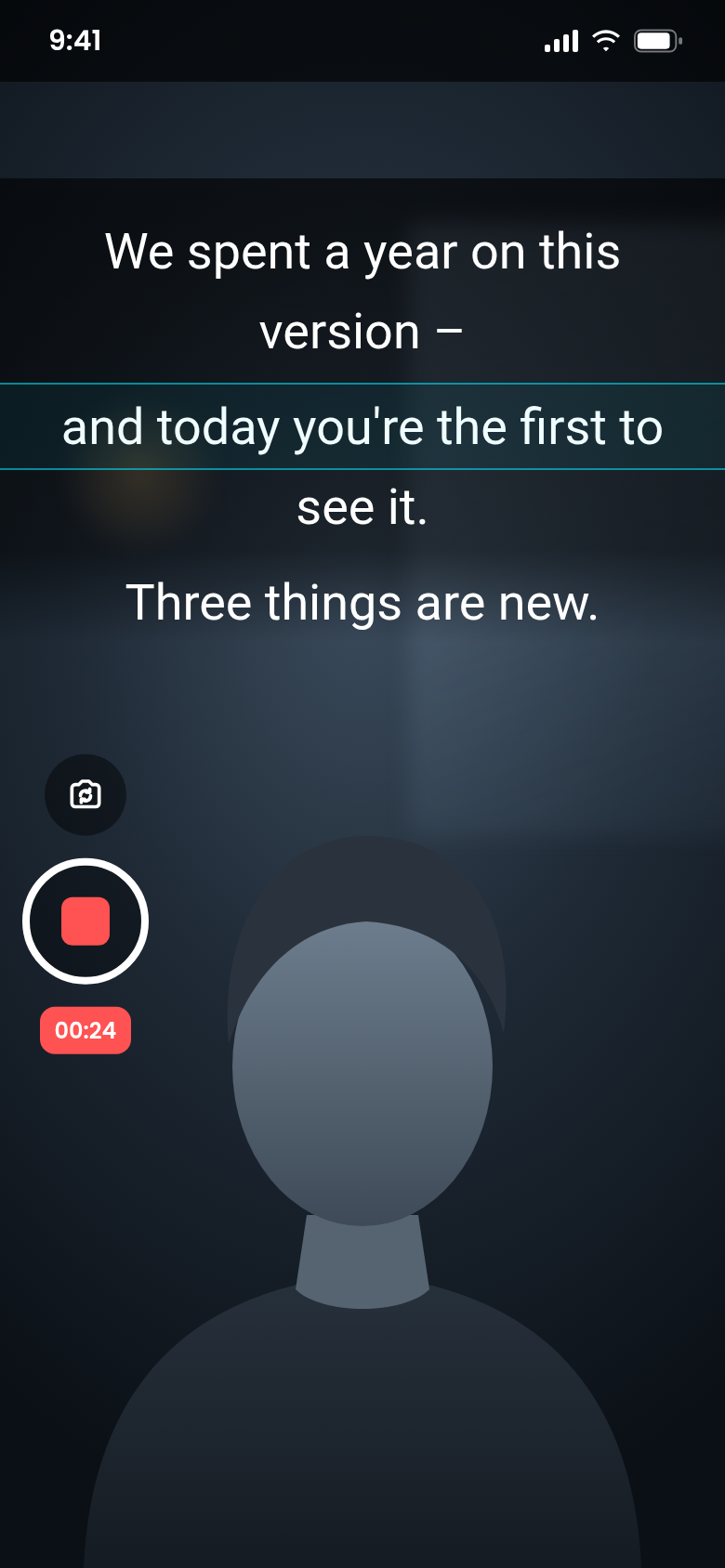
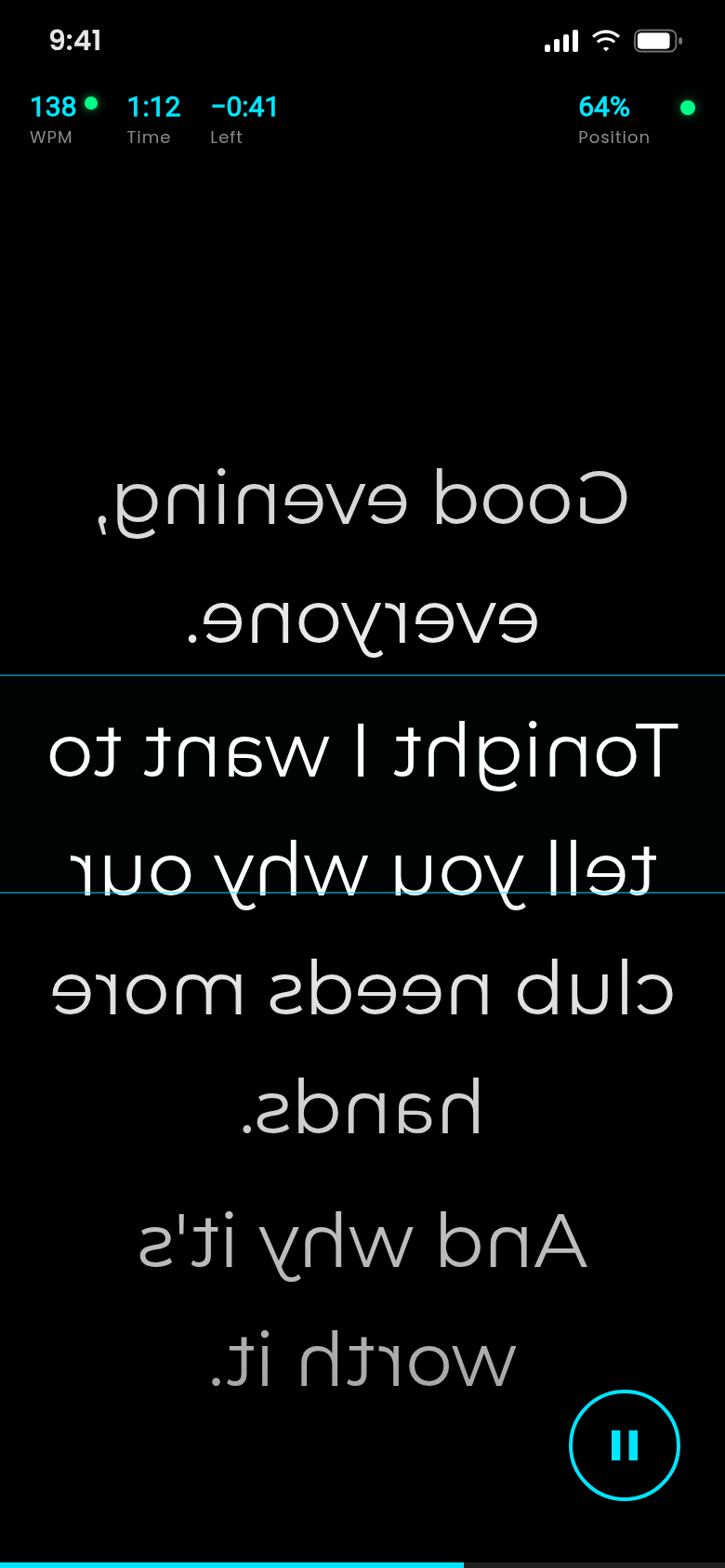
Set the speed in words per minute, pinch to change the font size and use cue markers that pause automatically where you want a breath.
Countdown before the start, focus band in the middle, tap, swipe or shake to control.
Viewers notice when you read.
They shouldn't.
A good prompter makes reading look like talking.
Prompter glass
Ready for your teleprompter rig.
Mirror the text horizontally or flip it upside down for a beam-splitter glass. The info bar stays readable either way.
14 bundled fonts, your own colours and a focus band that dims everything else.
Remote
Start, stop and speed up from afar.
A Bluetooth keyboard or presentation clicker works out of the box: space starts and pauses, arrow keys change the speed and jump between cue markers.
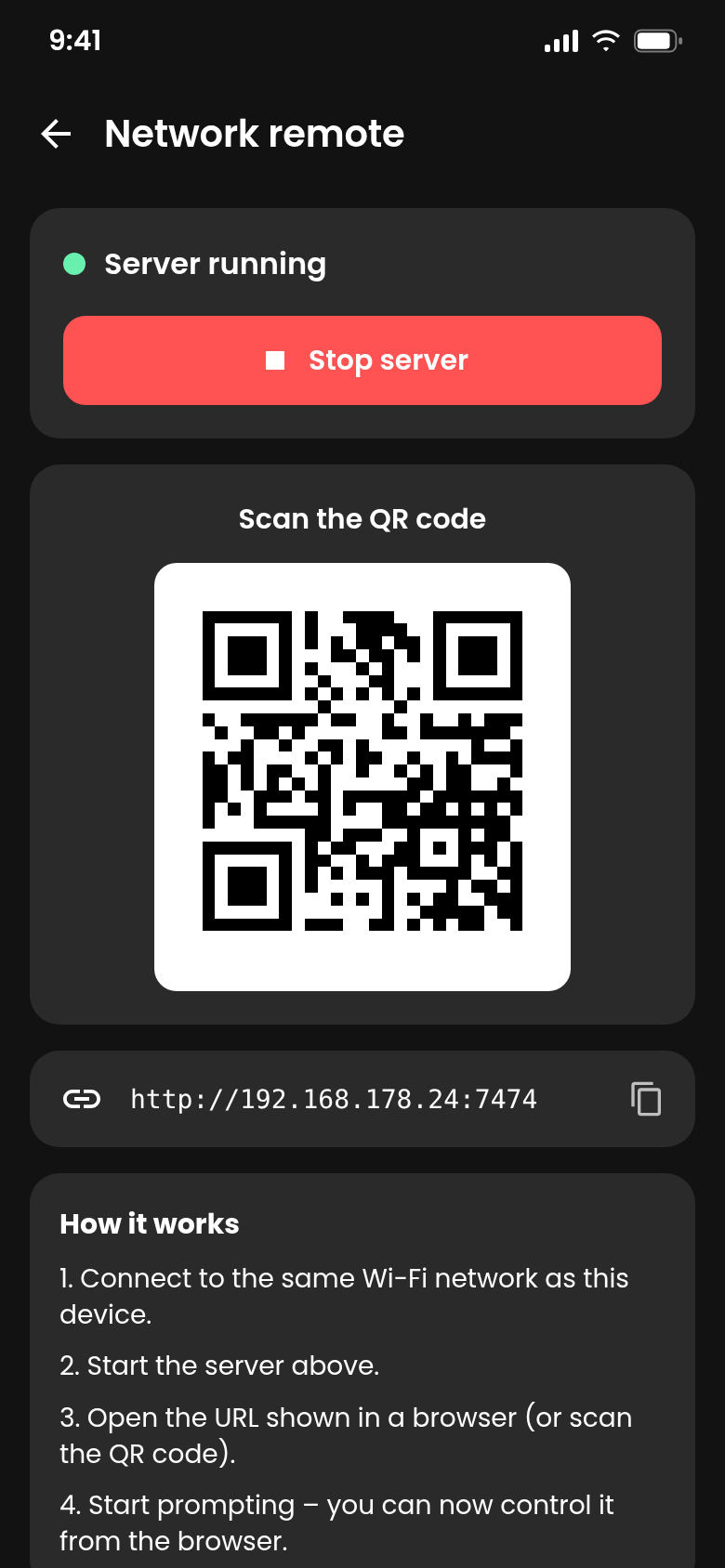
With Pro you control the prompter from a browser on a second device in the same Wi-Fi, connected via QR code.
The difference
Less fumbling, more takes.
- Eyes drift to notes beside the cameraText runs right next to the lens
- Scrolling by hand mid-sentenceSmooth auto-scroll at your WPM
- Mirrored text needs extra softwareMirror and flip with one switch
- Walking back to the phone for every takeClicker, keyboard or browser remote
- Scripts scattered across appsLibrary with folders, tags and search
And a lot more.
Script library
Folders, tags, colour labels, search, favourites and a trash with undo.
Import in seconds
Dictate by voice, open a .txt file, paste or scan a QR code. Pro adds text recognition from photos and import from web pages.
Your look
14 bundled fonts, text and background colours, line height and margins.
Cue markers & countdown
Set markers in the script, pause there automatically and jump between them.
Practice stats
Sessions and reading pace at a glance. Pro shows your WPM trend, streaks and personal bests.
Private by design
No account, no ads. Scripts and videos stay on your device.
Quick questions.
Who is Teleprompter 4K for?
What does Teleprompter 4K cost?
How does Teleprompter 4K make money?
Does the text follow my voice?
Which keys does a Bluetooth clicker use?
Where do my scripts and videos go?
Which devices and languages are supported?

Get Teleprompter 4K.
Paste your script, press start, look into the lens.
Not in the stores yet. Sign up for the newsletter and we will tell you when it is.